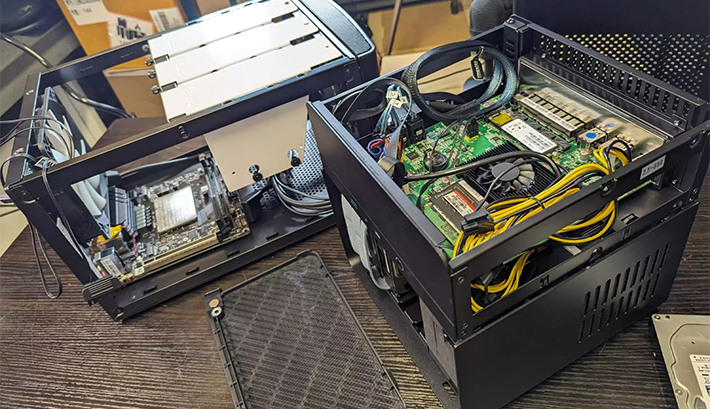
NAS Case Applications for a Practical DIY NAS

NAS Case Applications describe the jobs a completed storage server can perform and the hardware layout needed to support them. The enclosure houses the drives, processor, memory, networking, expansion cards, and power supply; it does not run Plex, Nextcloud, Home Assistant, or surveillance software by itself. Match the chassis to backup, media streaming, private cloud storage, home automation, or camera recording, then build with fewer compromises. Compare application-ready layouts and choose your starting point.

What Are NAS Case Applications?

Bays for Backup, Snapshots & DR

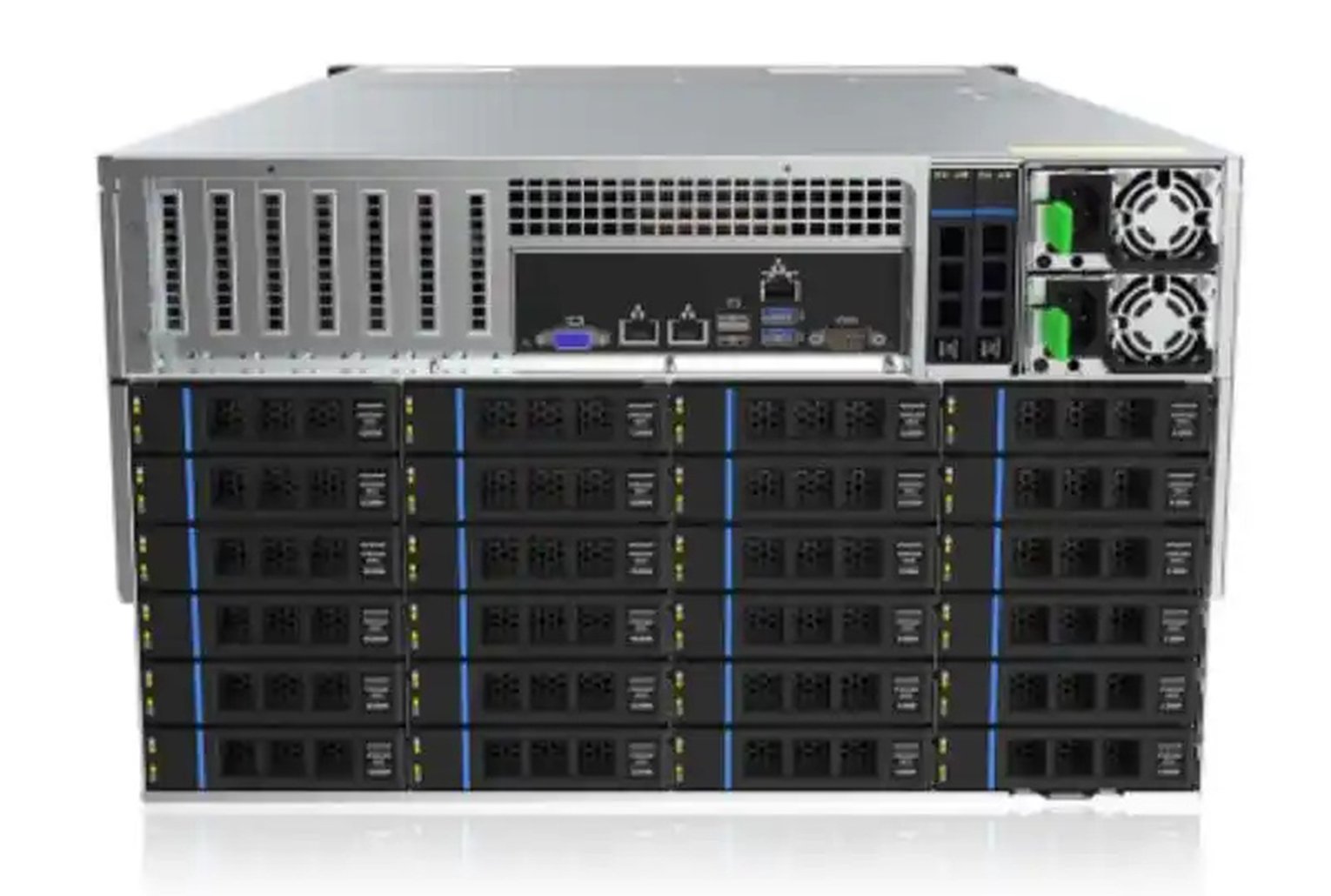
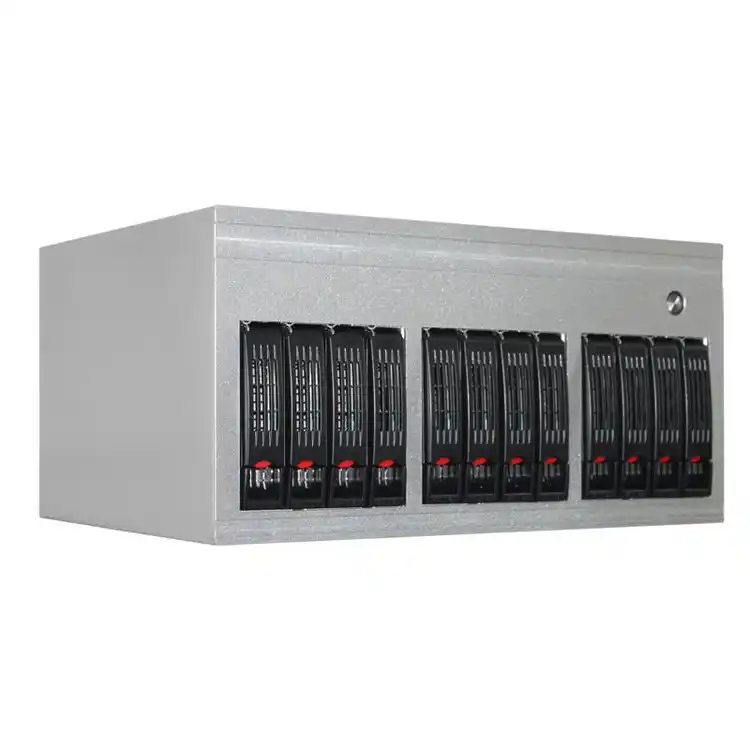
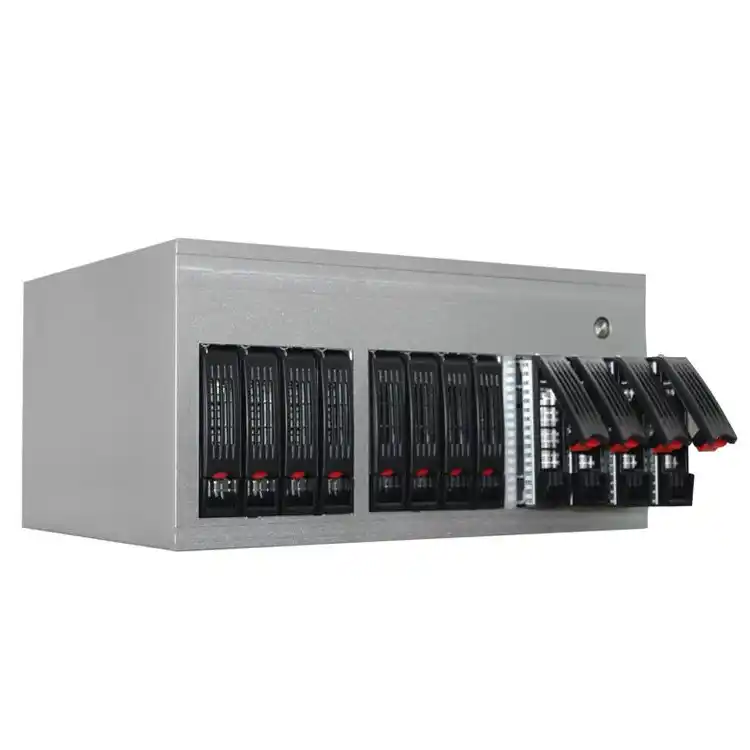
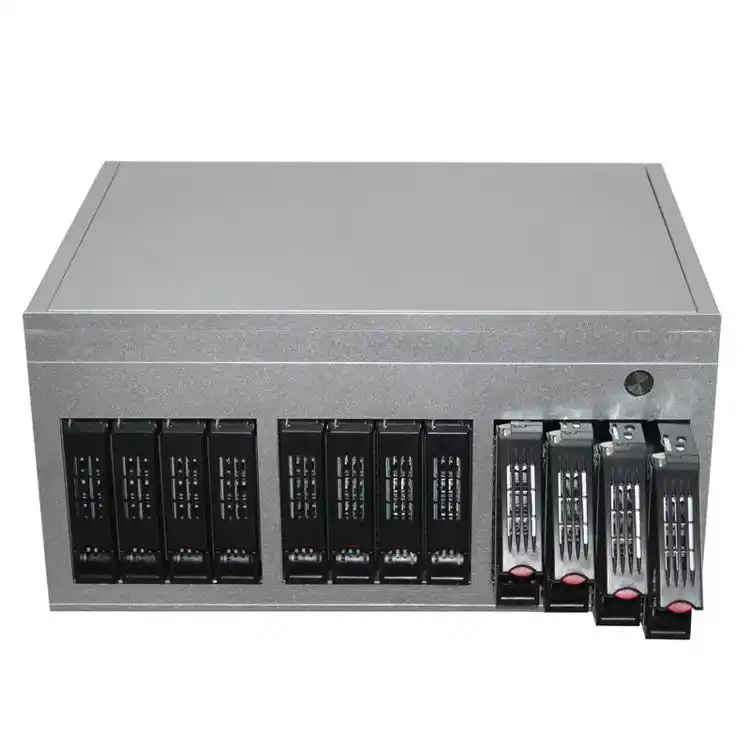
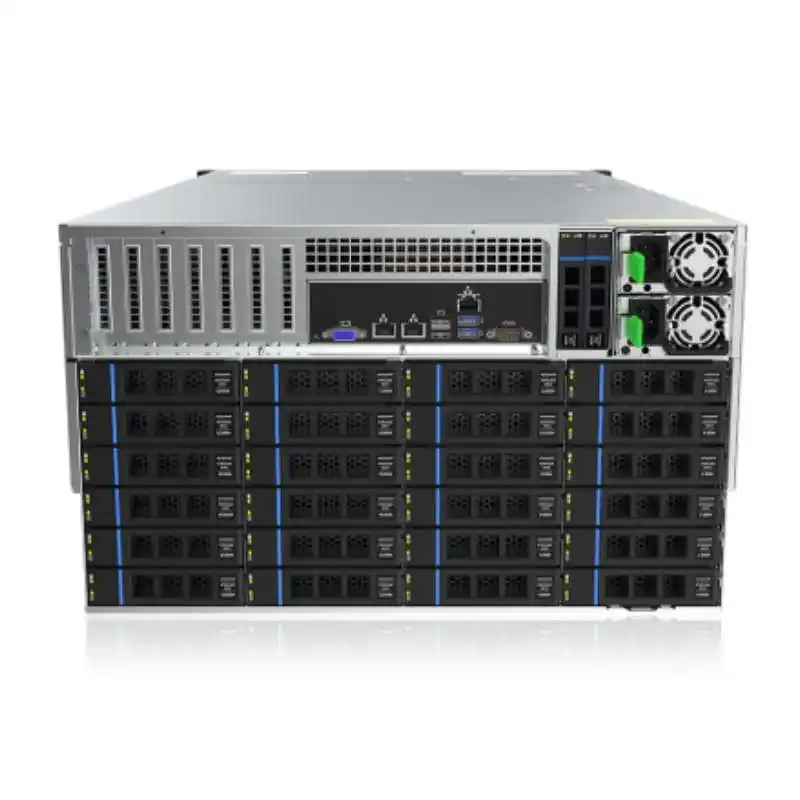
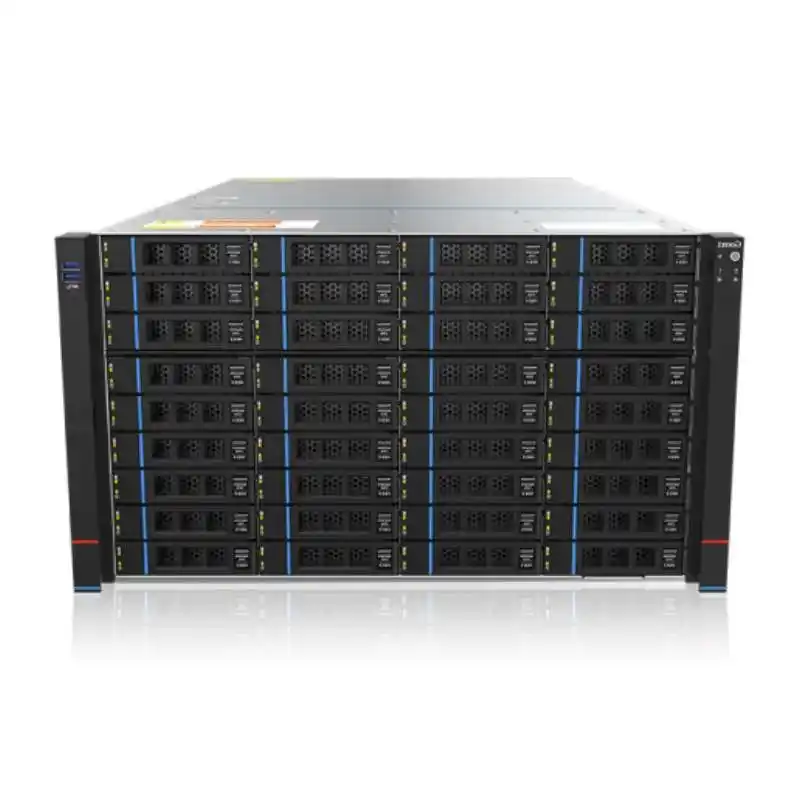
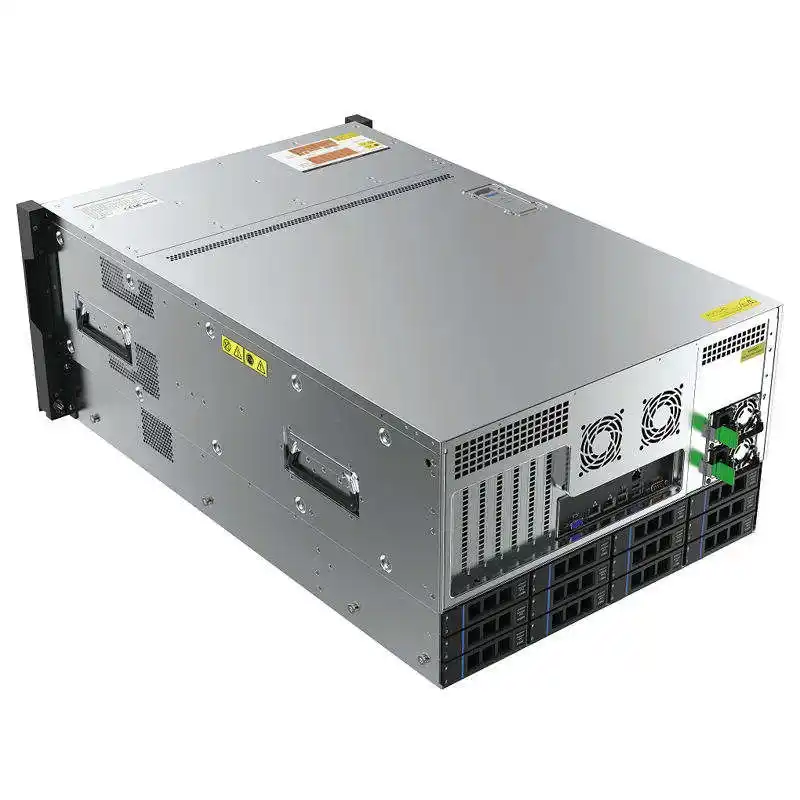
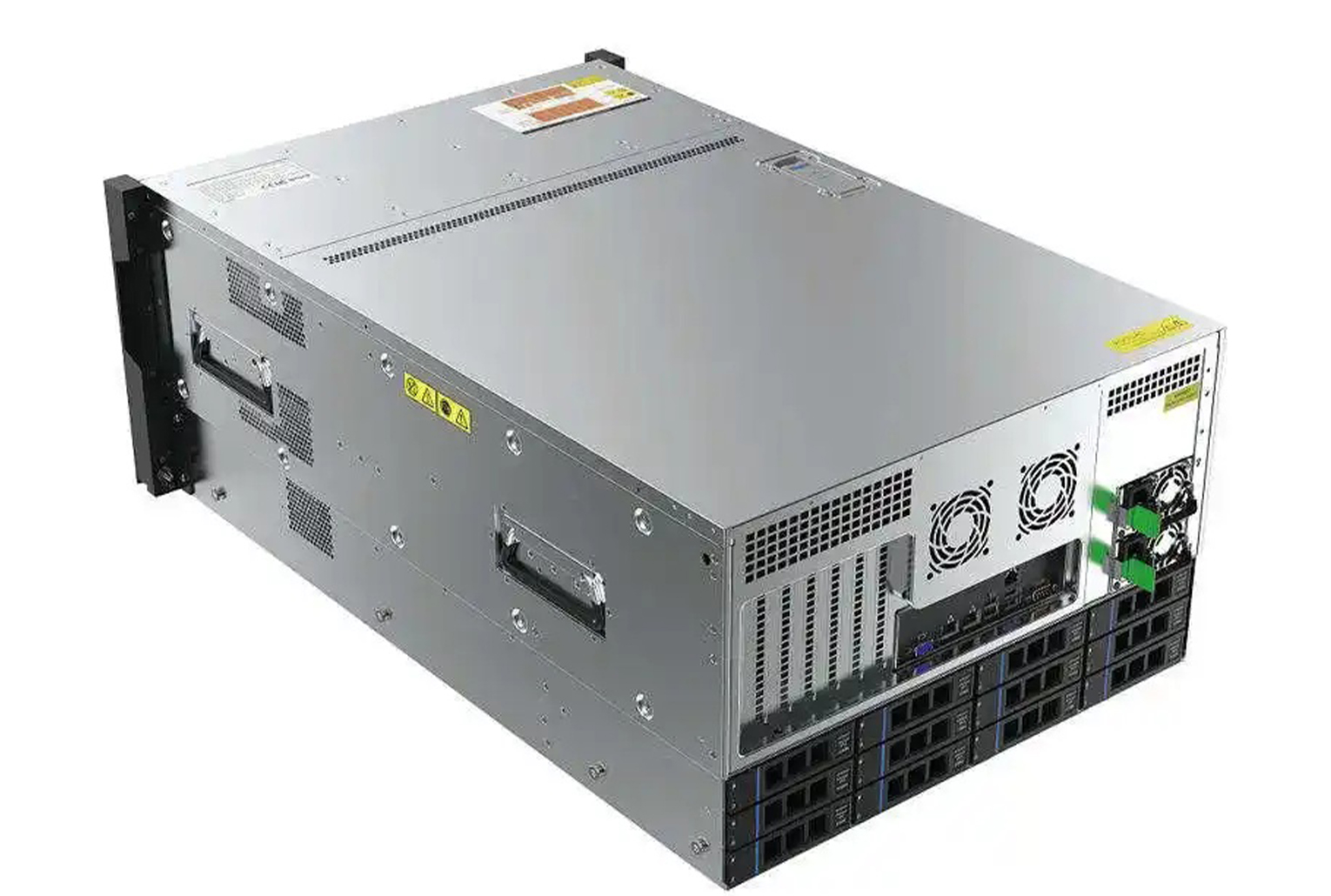
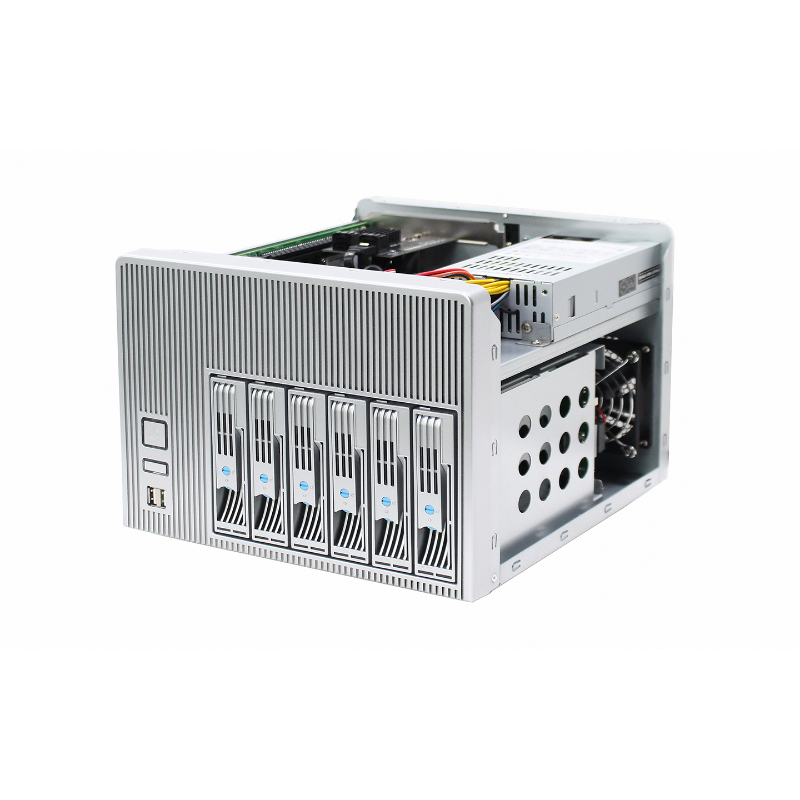
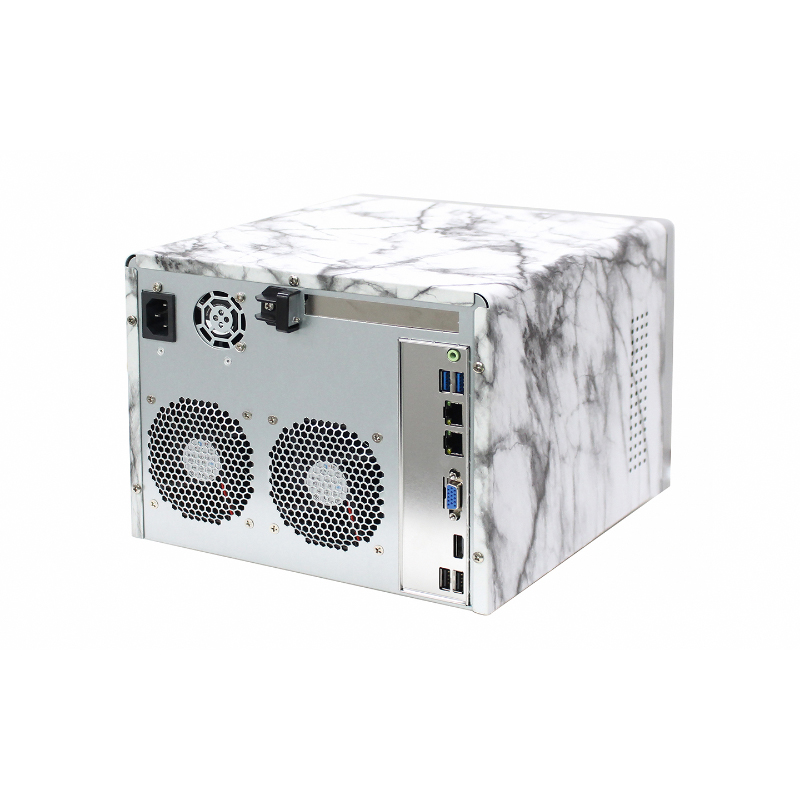
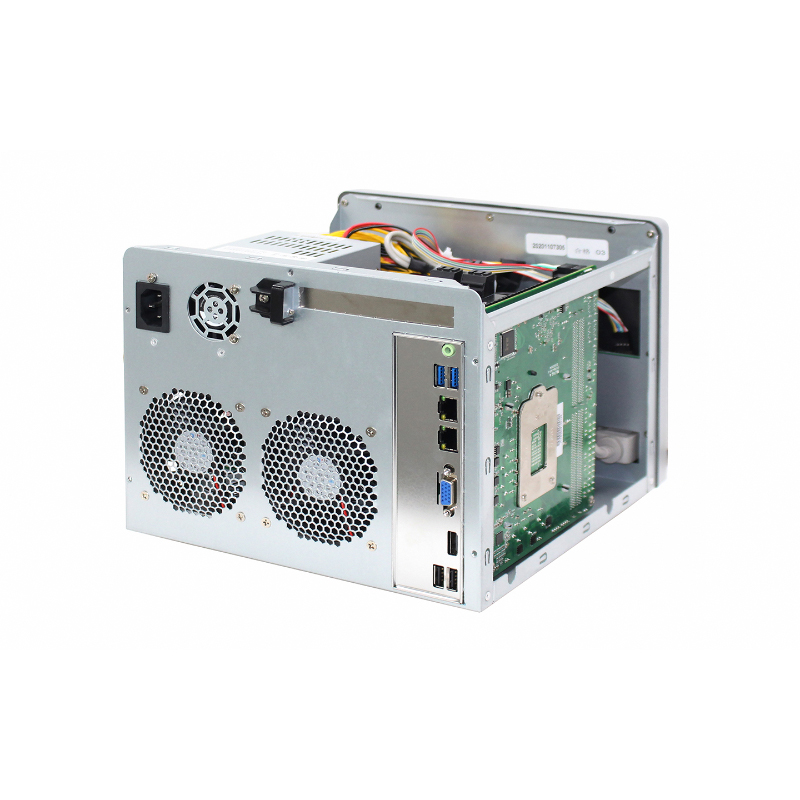
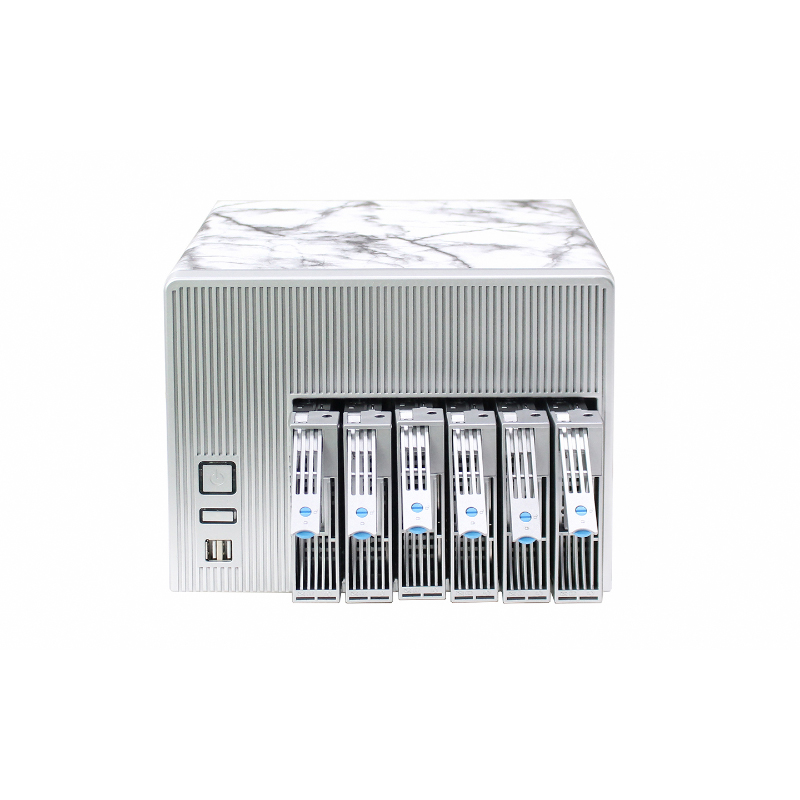
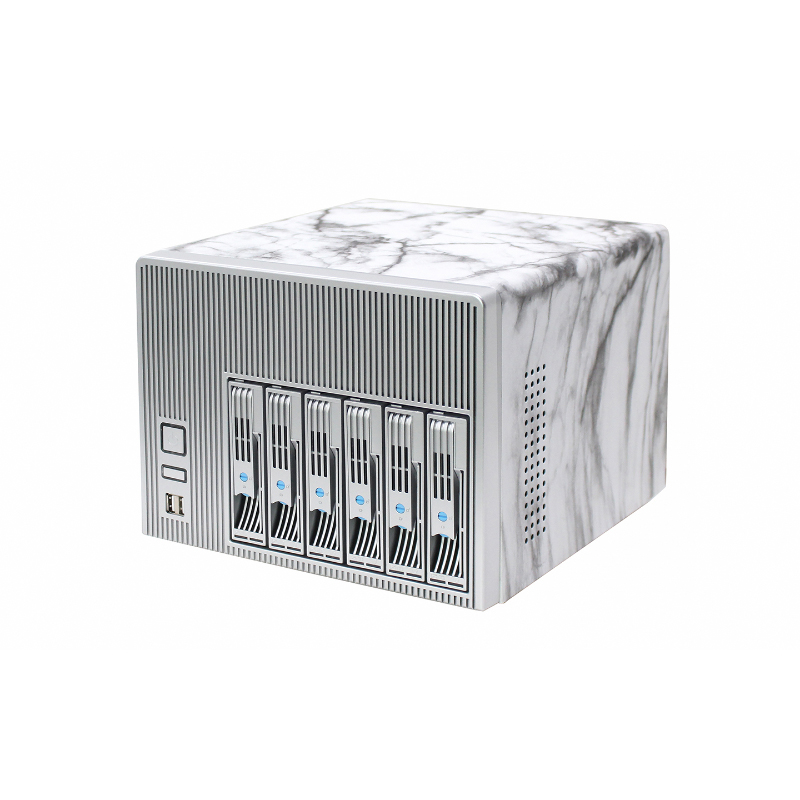
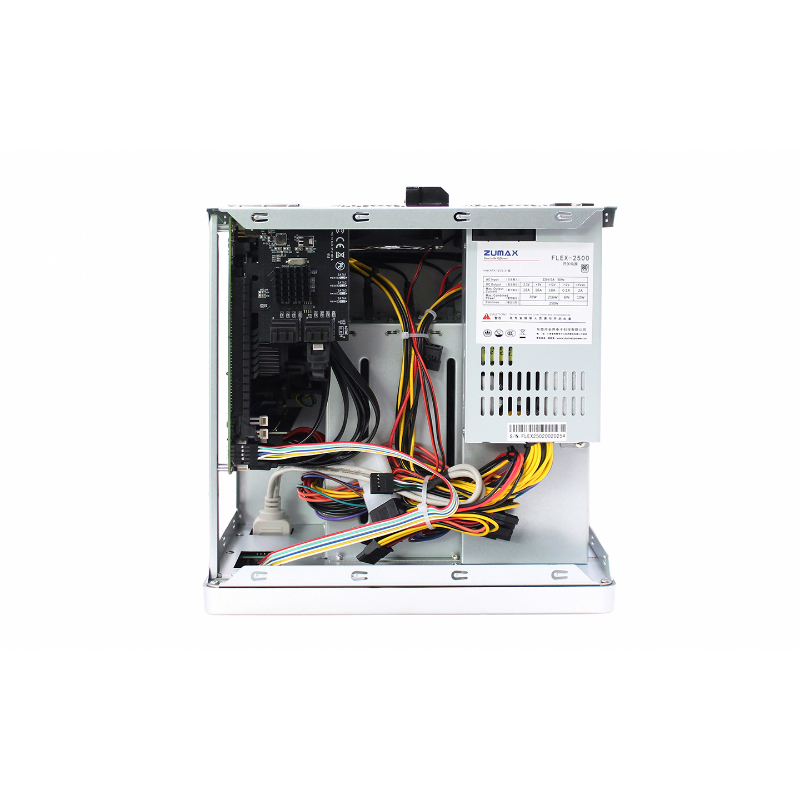
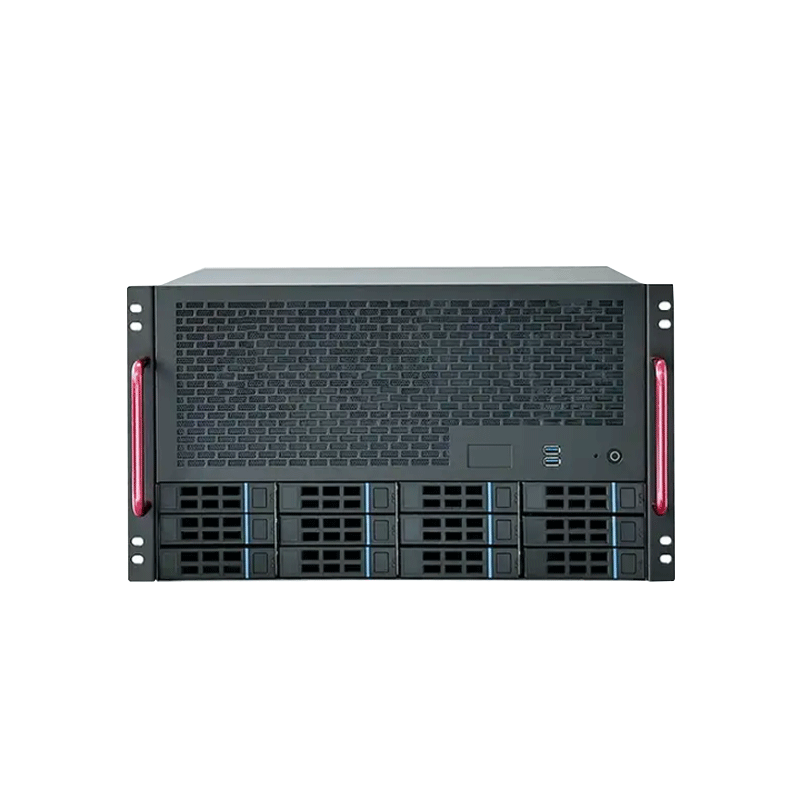
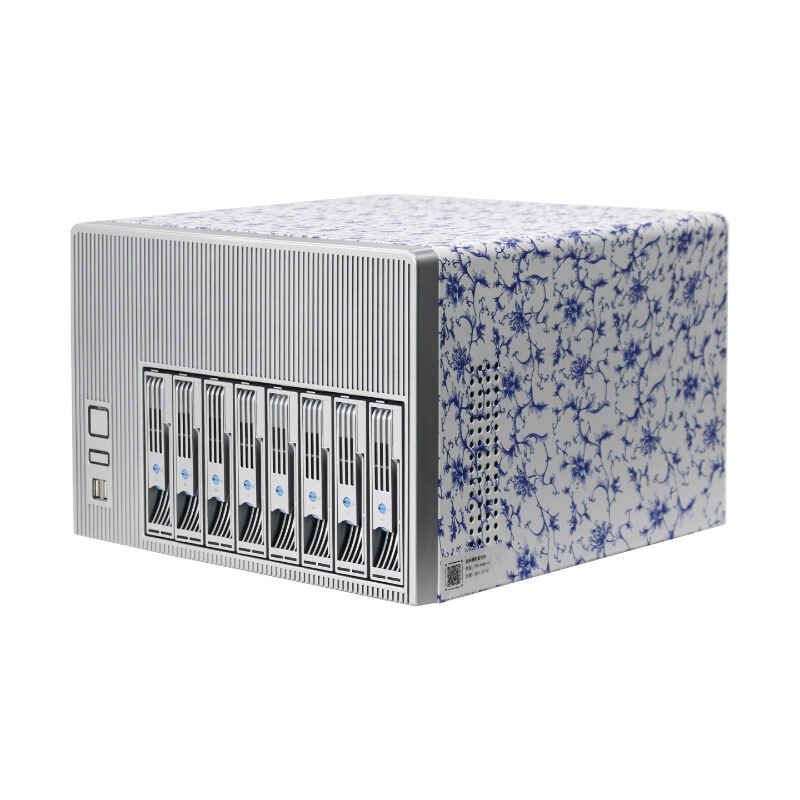
These application profiles connect a workload to the physical system required to run it reliably. A backup server prioritizes capacity and drive access, while a media server may need stronger processing and expansion. The enclosure determines how many 3.5-inch HDDs, 2.5-inch SSDs, or other storage devices can fit, which ATX, Micro ATX, or Mini-ITX motherboard can be installed, and how effectively heat and noise can be controlled. Software compatibility still depends on the operating system and completed hardware configuration.

4–12 Bay
NAS Options

SAS/SATA
Drive Options

A completed NAS can receive automated backups from Windows PCs using Windows Backup, Macs using Time Machine, and tools such as Veeam or Restic. Btrfs and ZFS snapshots preserve earlier filesystem states, helping recovery from accidental deletion and some ransomware events, but snapshots are not independent backups. Rclone or vendor tools can synchronize data with Backblaze B2, AWS S3, or Google Drive. There is no universal bay count; plan for usable capacity, redundancy, growth, dependable airflow, and convenient hot-swap or tool-free access.

Завод
Tech Support

100 %
safe for health

What Case Features Matter for Plex and Media Servers?

NAS Case

Plex, Jellyfin, and Emby can stream movies, television programs, and music to smart TVs, phones, and streaming players. Direct playback is relatively light, but transcoding may require a capable CPU, integrated graphics, or a supported GPU; hardware acceleration can reduce processor load. Sonarr, Radarr, and Prowlarr can assist with lawful media-library organization and automation. Choose enough storage, quiet cooling, fast networking, and PCIe expansion room when a graphics card or faster network adapter may be added later.

Nextcloud or ownCloud can provide private file synchronization, sharing, calendars, contacts, and collaborative tools. Immich and PhotoPrism add self-hosted photo uploads, indexing, search, and intelligent organization features. These services often combine two storage tiers: SSD or NVMe storage for responsive databases, thumbnails, and application data, plus high-capacity HDDs for files and original images. Sufficient memory and processor performance improve indexing and multi-user responsiveness, while dependable backups protect both the library and its database.

How Does a NAS Chassis Support Private Cloud and Photos?

NAS Case

Can a DIY NAS Run Home Assistant and DNS Filtering?

Yes. Home Assistant can run in a container or virtual machine on a suitably configured server, while Pi-hole and AdGuard Home can provide network-wide DNS filtering. These workloads usually need less disk capacity than media or backup services, but they benefit from stable networking, low-power operation, reliable cooling, and enough memory for containers or virtualization. Virtual machines also require adequate processor cores and motherboard support for the chosen hypervisor, especially when home automation shares the system with storage services.

What Hardware Does an NVR NAS Require?

An NVR records video streams from compatible IP cameras to local storage. Synology Surveillance Station, Frigate NVR, and Scrypted are examples, although availability and compatibility depend on the platform. Continuous recording creates sustained writes, so storage endurance, drive capacity, airflow, and reliable power matter. Camera count and resolution also affect networking and processing. Frigate or Scrypted AI-assisted detection may benefit from supported graphics hardware or an accelerator, making PCIe slots, cooling clearance, and power-supply headroom important.

Which Hardware Features Match Each Application?

Start with the workload, then translate it into enclosure requirements:

This framework prevents buying a compact ITX case when the planned application needs more disk bays or expansion.

NAS Case Applications 04

Что такое направляющие шасси?

What applications can a NAS run?

A completed NAS can support backups, snapshots, cloud synchronization, media streaming, private cloud storage, photo management, home automation, DNS filtering, and camera recording. The NAS case only houses the hardware; actual capabilities depend on the installed components and software.

More drive bays provide additional capacity for large backup sets, redundancy, and future expansion. Reliable cooling and convenient drive access also make storage maintenance easier. Compatible NAS systems can receive Time Machine backups, while ZFS snapshots preserve point-in-time filesystem states.

A media NAS needs sufficient drive capacity, quiet airflow, dependable networking, and enough processing performance. When transcoding is required, a compatible processor, integrated graphics, or supported GPU may improve Plex performance through hardware acceleration.

Yes. Nextcloud can provide self-hosted file synchronization, contacts, calendars, and collaboration, while Home Assistant can run in a container or virtual machine. SSD or NVMe storage, sufficient memory, stable networking, and virtualization support help these services remain responsive.

An NVR NAS needs continuous-write storage, strong airflow, sufficient networking, and capacity for recorded video. Applications such as Frigate may also benefit from integrated graphics, a supported GPU, or a dedicated detection accelerator.

Ready to choose the right NAS case for your applications?

Submit your intended workloads, drive count and capacity, motherboard size, CPU or GPU requirements, cooling, networking, expansion needs, PSU format, and installation environment to receive a suitable NAS case recommendation.