ITX Case Applications for Smarter Mini-ITX Builds

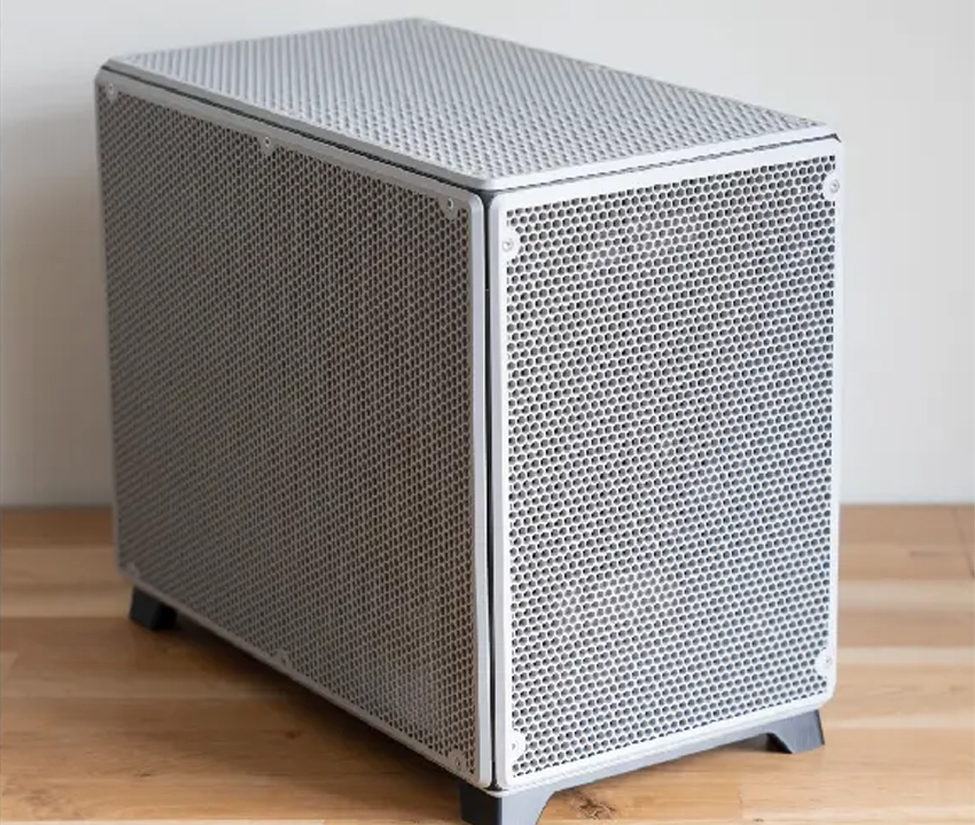
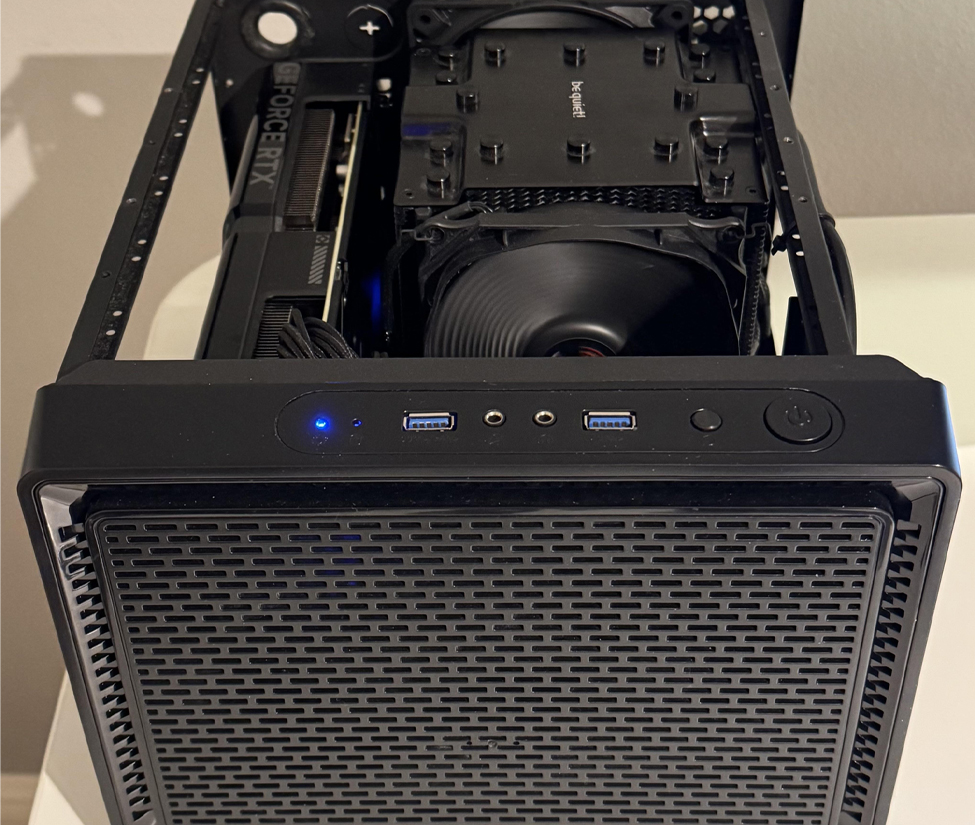
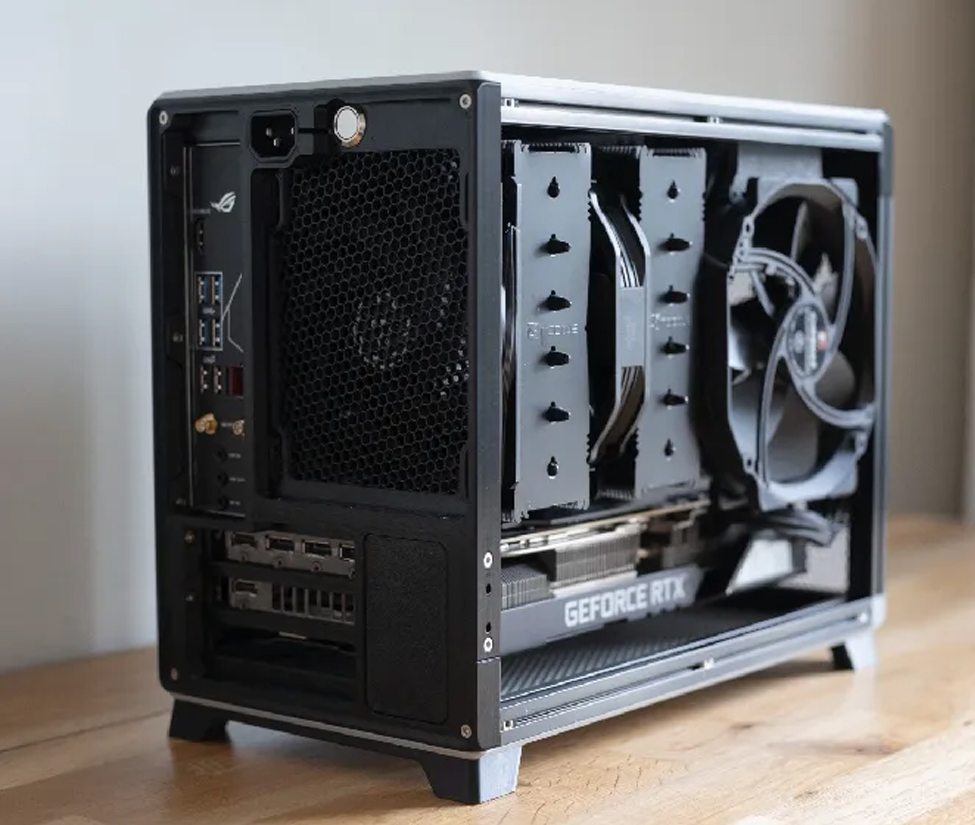
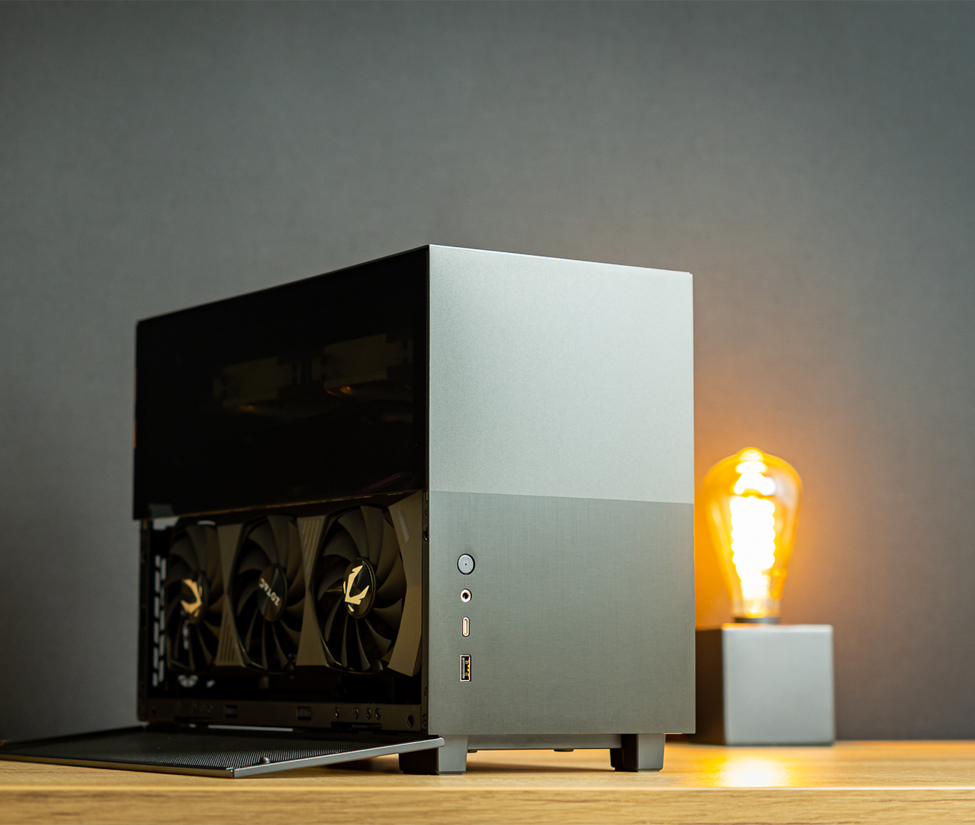
An ITX case turns Mini ITX motherboards into compact PCs designed for specific workloads. This page covers various applications, including gaming, living-room entertainment, home storage, portable rigs, and content-creation workstations. Choosing the chassis around its intended use helps balance component clearance, cooling, drive capacity, noise, and portability before you buy parts for a mini itx pc.

Aplicaciones de cajas ITX

What Are ITX Case Applications, and Why Do They Matter?

These applications are the roles a small form factor computer can perform, from an SFF PC for gaming to a quiet media setup or always-on server. The application matters because limited volume prevents one chassis from maximizing graphics space, CPU cooling, storage, and portability at once.

A compact chassis for a modern graphics card may sacrifice drive bays, while a storage-focused design may limit expansion. Compared with a Micro ATX or standard ATX case, compact builds demand closer attention to every bracket, fan, and cable.

What Should a Small Form Factor Gaming Case Support?

A gaming case should provide sufficient clearance, ventilation, and power-delivery space for sustained loads. Category targets commonly include approximately 9–18 liters, 300–320mm or more for GPU length, and support for full-sized GPUs up to three slots in compatible designs.

A sandwich layout positions the card behind the motherboard through a riser cable, saving internal space. Check SFX or SFX-L power supplies, mesh airflow design, cooler height, and a 240 mm AIO; Fractal Terra, Lian Li A4-H2O, FormD T1, and Cooler Master NR200P V2 show different trade-offs between cooling and card thickness. Exact dimensions and riser support vary by model.

Aplicaciones de cajas ITX

How Does Mini-ITX Fit a Living Room or HTPC?

A living-room system should fit its shelf orientation and remain quiet near a television or audio system. Horizontal, console-style, and slim vertical layouts emphasize a space-saving exterior and small footprint; category volume is often approximately 7–13 liters.

For narrow installations, under approximately 12cm wide may be a useful target, while low-profile cooling often requires a cooler below approximately 70mm. Measure the AV cabinet and preserve intake and exhaust space. Fractal Ridge supports horizontal or vertical placement, while SilverStone Milo 10 uses a modular slim layout.

What Makes a PC Case Suitable for a Home NAS or Homelab?

A home NAS or homelab pc case should prioritize drive capacity, direct storage cooling, and continuous low-power operation over large graphics support. Storage-oriented mini-itx systems often occupy approximately 10–20 liters and may hold four to eight 3.5-inch SATA or SAS drives, depending on the chassis.

Confirm hot-swappable support instead of assuming every bay offers it, and check whether the PSU is Flex-ATX, SFX, or another model-specific format. Low-TDP CPU cooling and reliable intake-to-exhaust paths matter; Jonsbo N2, N3, and N4 provide different drive counts, while Fractal Node 304 supports up to six drives.

Aplicaciones de cajas ITX
Chasis para servidores de GPU e IA

Which Mini ITX Case Features Matter for Portable Rigs?

A portable compact case should reduce size and weight without leaving panels, connectors, or internal parts vulnerable during transport. Handles, reinforced frames, secured side panels, and minimal external protrusions help commuters, event teams, creators, and lan parties.

Under 10 liters is a target for highly compact travel systems, not a universal specification or carry-on guarantee. The smallest cases may require a shorter card, low-profile cooler, SFX PSU, and disciplined cable management. HYTE Revolt 3 includes an integrated handle, while Velka 3 and Velka 7 pursue lower-volume portability with different limits.

How Should a Compact PC Case Handle Content-Creation Workloads?

A content-creation mini-itx chassis should provide more sustained cooling capacity than a casual small system. Video editing, rendering, encoding, and design can load the CPU and GPUs for long periods, so thermal headroom matters.

This workstation category commonly targets approximately 11–20 liters and may support a 240mm or 280mm AIO, depending on the model. Check radiator and fan thickness, tube and cable routing, card compatibility, and flexible PSU cables. Lian Li A4-H2O supports a top 240mm liquid cooling arrangement, while Phanteks Evolv Shift XT expands for a top 240mm unit.

Chasis industrial para montaje en rack

How Do These Applications Compare?

The five main applications differ in which requirement receives priority inside the limited volume. Use this category-level comparison as a starting point, then verify each individual computer case.

Aplicación Typical Volume Primary Cooling Approach Main Clearance or Capacity Check
SFF Gaming Approx. 9–18 L Mesh air or 240mm AIO Card length and thickness
Living Room / HTPC Approx. 7–13 L Low-profile air Shelf size and cooler height
Home NAS / Homelab Approx. 10–20 L Direct drive airflow Drive count and hot-swap support
Portable / Travel Minimized; under 10 L is a target Low-profile air or model-specific AIO Weight, handle, transport security
Content Creation Approx. 11–20 L Compatible 240mm or 280mm AIO Cooling route and sustained thermals

¿Qué son los raíles guía del chasis?

What type of ITX case should I choose for a compact gaming PC?

Choose an ITX case that supports the exact length, height, and thickness of your graphics card, along with sufficient CPU cooling and the required PSU format. Some compact or industrial Mini-ITX cases provide only low-profile PCIe expansion slots, so full-sized GPU compatibility should never be assumed. For a custom gaming project, the chassis dimensions, ventilation, fan mounts, and internal layout may need to be adjusted around the selected hardware.

Yes. A slim Mini-ITX case can support an HTPC, media player, digital-signage controller, kiosk, or other installation where shelf space and appearance matter. Check the case dimensions, installation orientation, motherboard I/O access, Wi-Fi antenna positions, and ventilation around the enclosure. A low-profile system may also require an external power adapter, Flex PSU, or low-height CPU cooler.

An ITX case for a NAS or homelab should provide enough drive bays, direct airflow across the storage devices, and reliable cooling for continuous operation. Confirm the number and size of supported drives because a compact model may accommodate only one 3.5-inch drive or two 2.5-inch drives, while a larger storage project may require a dedicated multi-bay NAS chassis. Also check PCIe expansion availability if the system needs a network card, storage controller, or other add-in device.

A portable or edge-computing ITX case should combine compact dimensions with secure component mounting, practical power input, accessible I/O, and suitable cooling. Aluminum construction can reduce enclosure weight, while steel may be selected where a more rigid structure is required. For OEM deployments, consider whether the project also needs customized mounting points, relocated ports, Wi-Fi antenna openings, branding, or cable-retention features.

Yes, but the cooling configuration must match the expected CPU and GPU workload. Confirm CPU cooler clearance, fan size, airflow paths, expansion-slot dimensions, PSU capacity, and cable-routing space before selecting the chassis. For systems that require larger fans, liquid cooling, additional ventilation, or a specialized graphics-card layout, a custom Mini-ITX case may be more appropriate than a standard slim enclosure.

Ready to choose the right ITX case for your application?

Submit your intended workload, motherboard size, GPU dimensions, cooling requirements, storage capacity, PSU format, and installation environment to receive a suitable ITX case recommendation.