Server Chassis Applications: Rack ATX Server Case Selection

A server case, or server chassis, protects and organizes server hardware while supporting uptime, cooling, storage density, expansion, and service access. Unlike an ordinary desktop case, it is designed around sustained workloads, stronger airflow, protected cabling, and rack or enterprise deployment. The right form factor depends on location, rack space, noise limits, workload, drive count, and maintenance needs.

Where Does a Tower Server Fit Small-Business IT?

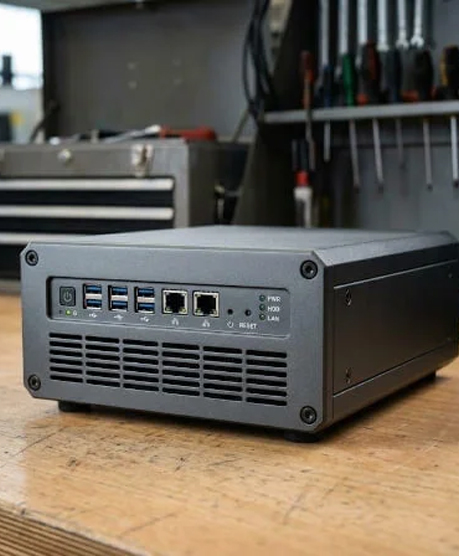
A tower server is best suited for a clinic, law firm, retail location, or branch office that needs one or two systems without dedicated data centers and server rooms. A tower server chassis resembles an upright PC and can suit quieter environments or first-server deployments.

Server Case Applications 3
Comment choisir un châssis de serveur GPU pour les fournisseurs d'hébergement multi-locataires 2

A mid tower ATX case supports standard hardware while a full tower offers more internal expansion.

Applications de cas de serveur

How Do Server Case Applications Shape Compatibility?

Commencez par choisir l'environnement de déploiement, puis vérifiez les dimensions de la carte mère, les blocs d'alimentation, les baies de disques, les possibilités d'extension, le refroidissement, la profondeur du rack et l'acheminement des câbles. La qualité de fabrication et la facilité d'entretien sont essentielles, car l'infrastructure serveur doit rester protégée et accessible.

Server Case Type Best Suited For Main Aadvantage Important Consideration
Tour Small Offices And First Servers Quiet Placement and Familiar Access Floor Space and Limited Centralization
Montage en rack Corporate IT, Hosting, Virtualization Organized Hardware, Cabling, and Maintenance Rack Depth, Rrails, Noise, and Cooling
Blade/High-Density Enterprise Virtualization and HPC Consolidated Compute in Shared Infrastructure Enclosure, Power, Cooling, and Network Dependency
Storage/JBOD NAS, Backup, Surveillance, Archives High Storage Capacity and Serviceable Disks Backplane, Controller, Bay, and Drive Compatibility

Where Does a Tower Server Fit Small-Business IT?

A tower server is best suited for a clinic, law firm, retail location, or branch office that needs one or two systems without dedicated data centers and server rooms. A tower server chassis resembles an upright PC and can suit quieter environments or first-server deployments.

A mid tower ATX case may use ATX power hardware, while a full tower workstation may allow more internal expansion. Listings may mention ATX motherboard, micro-ATX, mini-ITX, support ATX, ATX PSU, massive ATX, 3 x 5.25, 2 x 5.25, 7 PCI slots, or Rosewill Thor NAS. Treat every phrase as model-specific.

Why Choose a Rackmount Server Case for Corporate IT?

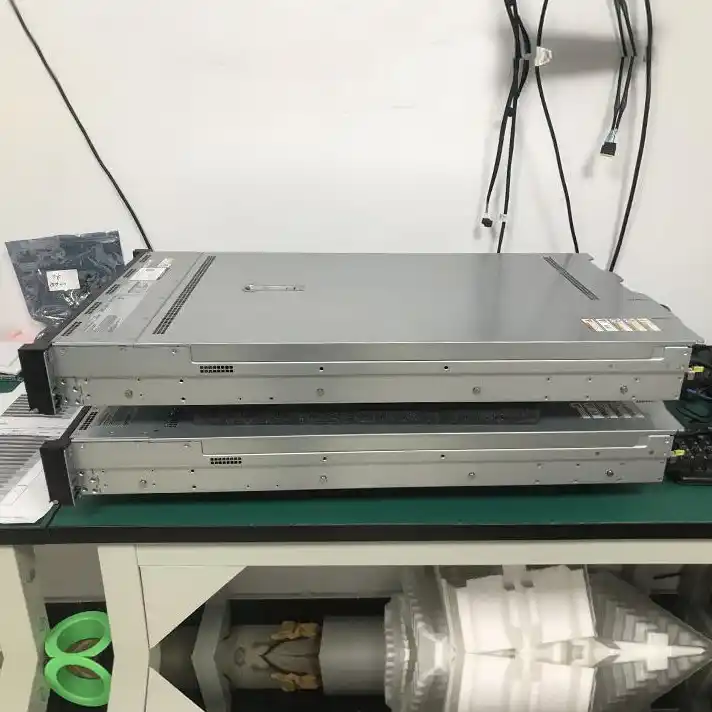
A rackmount server is best suited for companies centralizing several servers, hosting platforms, and virtual machines. Rack mount systems install horizontally in standardized server racks, helping teams organize hardware, cabling, cooling, and maintenance.

Before ordering a rackmount server case, confirm rails, rack depth, front panel access, 2x USB 3.0 needs, cable clearance, and whether the rackmount chassis follows a standard rackmount layout. A rackmount case can support efficient server operations, but fan noise and room cooling need planning.

How Do 1U, 2U, 3U, 4U, and 5U Rack Sizes Differ?

When Does a Blade or High-Density Data Center Design Make Sense?

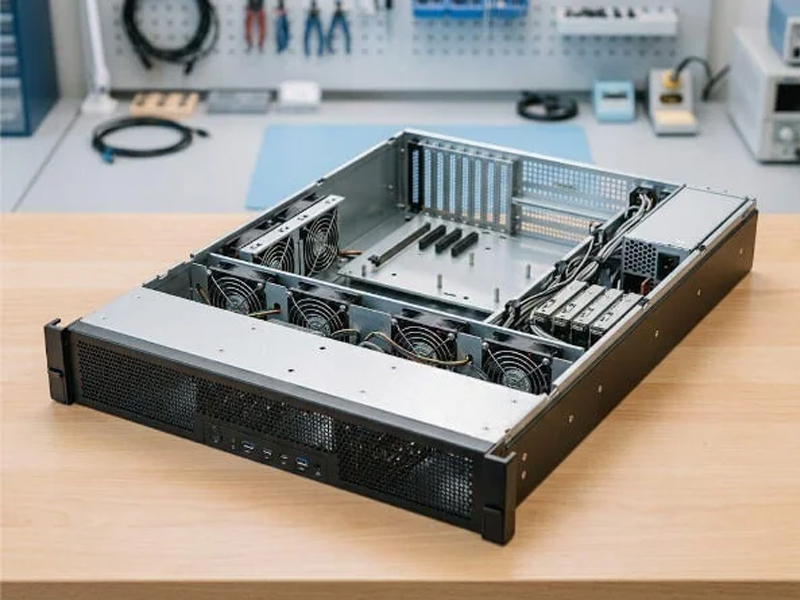
One rack unit equals 1.75 inches. A 1U design prioritizes density; a 2U server chassis provides more cooling, storage, and PCIe room. A 2U rackmount server chassis is often a balanced choice for growing server solutions, while a simpler 2U chassis may target a specific storage or compute layout.

A 3U chassis or 3U server chassis allows taller components. A 4U server chassis or 4U rackmount server case can accommodate larger motherboards, GPUs, and more drive positions. Some 4U cases use 80mm fans, 120mm units, or front 120mm fans. A 5U design offers still more vertical space. The main trade-off is rack density versus expansion.

A blade server is best suited for large virtualization clusters, enterprise computing, and selected high-performance computing (HPC) workloads. Modular compute nodes share an enclosure, power supplies, cooling, management, and networking, which can consolidate infrastructure.

Choose high-density systems when standardized deployment and centralized administration justify the enclosure investment. The trade-off is greater dependence on the modular platform and careful capacity planning.

Usine
Tech Support

100 %
safe for health

Which Storage Design Fits NAS, JBOD, Backup, and Surveillance?

A storage chassis is best suited for network-attached storage (NAS), just a bunch of disks (JBOD), backup, archival, and surveillance retention. Choose it when storage needs, storage options, and serviceable drive bays matter more than maximum compute density.

Model sheets may specify SATA, SAS, hot-swappable 3.5-inch disks, x 3.5 HDD positions, or x 2.5 SSD slots. Counts such as 4 x 3.5, 7 x 3.5, 8 x 3.5, 11 x 3.5, 13 x 2.5, or 24 drives are not universal. Confirm controller, backplane, bay spacing, cooling, and cable requirements.

Que sont les rails de guidage du châssis ?

What Should a GPU Workstation and 4U Rackmount Server Case Support?

A GPU workstation or rendering server is best suited for AI, visualization, simulation, and technical computing. Choose a larger 4U system when full-length PCIe cards, strong airflow, higher-output power supplies, and service access are required.

Confirm E-ATX or CEB motherboard fit, slot spacing, card retention, PSU length, and thermal design. Buyers may encounter a Supermicro chassis or products from Chenbro, Rosewill, SilverStone, and iStarUSA; compare exact specifications rather than assuming brand-wide support.

Start with the workload and installation site, then match motherboard dimensions, PSU format, rack depth, expansion slots, drive dimensions, backplanes, cooling, and cables. Product specifications vary: mini-ITX, ATX, E-ATX, CEB, and other motherboards are not interchangeable in every model.

Check the exact board dimensions and mounting pattern, not only the family label. An ATX server case may not fit every oversized board.

No. Some designs use ATX power supplies; others require redundant or proprietary units. Verify electrical capacity, connector type, physical size, and airflow direction.

Allow for current data, redundancy, growth, spares, and backup strategy. More drive bays can increase capacity, power draw, heat, weight, and controller requirements.

Ready to choose the right server chassis for your application?

Share your workload, deployment environment, motherboard form factor, CPU or GPU needs, drive count, rack depth, cooling, networking, expansion, and power requirements. We’ll help you compare tower, rackmount, storage, and high-density chassis and recommend a compatible solution.